
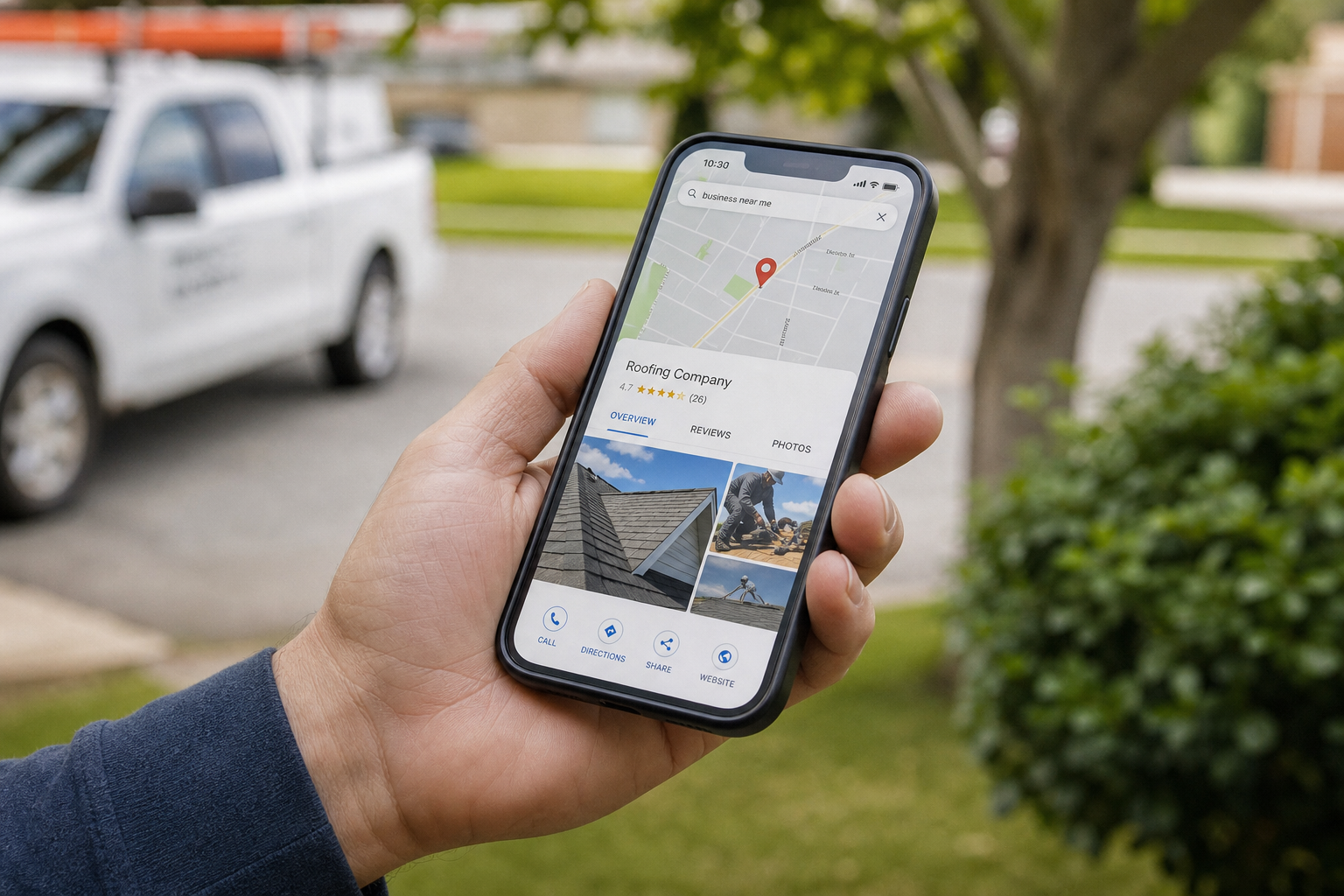
Your Google Business Profile (GBP) isn't a "set it and forget it" digital business card. It’s the front door to your shop. In the trades, homeowners don't browse the web like they're shopping for shoes. They have a leak, a broken AC, or a sparked outlet, and they need a pro now.
If your profile looks like a ghost town, they’re skipping you. It doesn't matter if you have the best techs in the state or the shiniest trucks. If Google doesn’t trust you, or if your profile looks stagnant, you’re invisible.
Most contractors treat their GBP like a tax filing-something they do once a year and hate every second of it. That’s a mistake. You need to treat it like a sales engine.
The Foundation: Categories and Service Areas
Google is a giant sorting machine. If you don't tell it exactly what you do, it’ll guess-and it usually guesses wrong. Your Primary Category is the most important lever you have.
If you’re an HVAC company that also does plumbing, your primary should be "HVAC Contractor" if that's where the big money is. Don't just list "Contractor." Be specific. Check your competitors; if they’re beating you, look at their primary category.
Service areas are another spot where guys mess up. Don’t claim the whole state. Google knows you aren’t driving three hours for a service call. Set your radius to where you actually want to work. If you try to cover too much ground, Google weakens your authority everywhere.

Why Real Photos Beat Stock Photos Every Time
People buy from people, not from corporations. When a homeowner looks at your profile, they are subconsciously asking: Who is going to show up at my house?
If they see a stock photo of a guy in a pristine hardhat that clearly isn't your employee, they stop trusting you. You have less than a minute to make an impression. In fact, why homeowners pick their contractor in 5 seconds usually comes down to visual trust.
- The Team: Post a photo of your crew in their uniforms.
- The Trucks: Show your wrapped vans parked in a local neighborhood.
- The Work: Take "before and after" shots of a messy mechanical room turned into a work of art.
Pro Tip: Take photos with your phone's GPS location turned on. When you upload those to Google, the metadata tells Google exactly where that job happened. It’s digital proof that you’re actually working in the towns you claim to serve.
The Comparison: Optimized vs. Lazy Profiles
| Feature | Lazy Contractor | Hard Labor Winner | | :--- | :--- | :--- | | Photos | 2 stock photos of a wrench | 50+ real photos of jobs & team | | Reviews | 12 reviews (last one from 2021) | 100+ reviews (new ones weekly) | | Q&A | Empty or "How much for a sink?" | 10 FAQs answered by the owner | | Posts | None | Weekly updates on projects/tips | | Services | "Plumbing" | Full list: Drain cleaning, hydro jetting, etc. |
The "Service Menu" Strategy
Google gives you a section to list every single service you offer. Most guys leave this blank or put one-word answers. This is a massive waste of SEO real estate.
Don't just put "Heating." Put "Furnace Repair," "Heat Pump Installation," and "Boiler Maintenance." Write a 2-3 sentence description for each. Use the keywords your customers use when they’re panicked.
Think of this like a menu at a steakhouse. If it just says "Food," nobody's buying. If it says "16oz Bone-in Ribeye, Dry-aged 30 Days," you’re getting the order. This is the difference between your truck wrap and a real brand.
Google Updates: The "Social Media" of Search
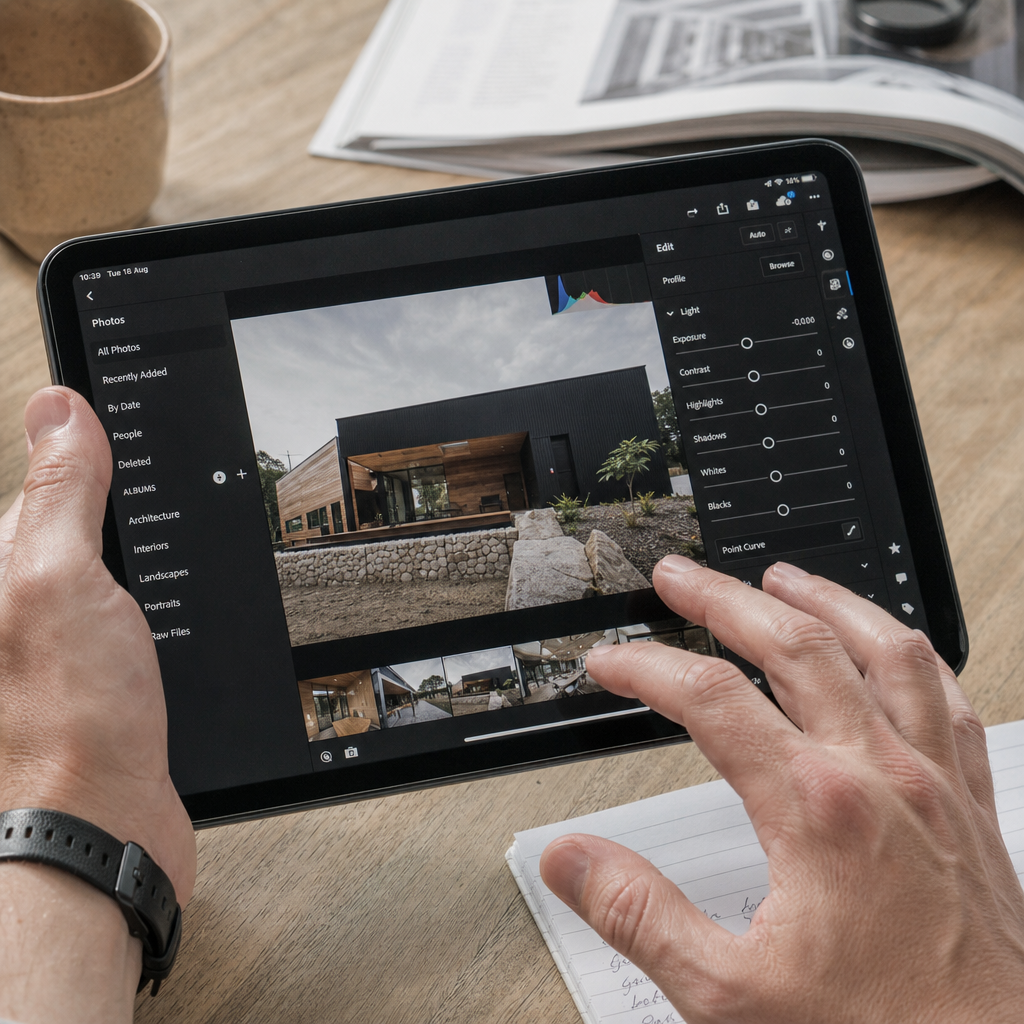
Google "Posts" are like mini-advertisements that show up right in the search results. They expire every few months, so you need to keep them fresh.
What to post:
- Seasonal Offers: "AC Tune-up Special – Book before June 1st."
- Recent Wins: "Just finished a full repipe in [Neighborhood Name]. The water is flowing again!"
- Educational Nuggets: "3 signs your water heater is about to explode."
You don't need a film crew for this. Just use your phone. Real photos and video aren't a luxury anymore; they are the baseline for proving you’re a legitimate business and not a lead-gen scammer sitting in an office in another country.
Managing the Q&A Section
Anyone can ask a question on your Google profile. And anyone-literally any random person-can answer it.
If a customer asks "Do you guys do financing?" and some random guy responds "No," you just lost a $15k install.
Owner Hack: You are allowed to ask your own questions. Go to your profile, ask the top 5 questions you get on every sales call, and then provide the official, detailed answer.
- "What areas do you serve?"
- "Do you offer 24/7 emergency service?"
- "Do you work on [Specific Brand] equipment?"
This clears the path for the customer to call you without hesitating.
Review Management: It’s Not Just About Stars
We all know reviews are king. But it’s not just about the number of stars; it’s about the velocity and the keywords.
Google looks at how often you get reviews. If you got 50 reviews three years ago and nothing since, Google thinks you went out of business. You need a steady drip.
When you reply to reviews-and you MUST reply to every single one-don't just say "Thanks." Use it as a chance to mention your services.
- Customer: "Great job fixing my leak!"
- Your Reply: "Thanks, Mrs. Jones! Glad we could get that emergency pipe repair handled for you quickly in Springfield."
That reply tells Google's algorithm exactly what you did and where you did it, helping you show up the next time someone in Springfield searches for a plumber.
The "Physical Address" Problem
If you’re running your business out of your house, you have two options: show your address or hide it.
If you have a physical shop with a sign, show it. Google gives a slight ranking boost to businesses with a verified physical location that people can visit. If you’re a "Service Area Business" (SAB) working from home, you won't show an address, but you need to be twice as aggressive with your photos and reviews to prove you’re real.
Never, under any circumstances, use a UPS Store box or a "virtual office." Google will suspend your profile faster than a DIYer ruins a manifold, and getting it back is a nightmare that can take months.
Stop Guessing, Start Dominating
Building a winning Google Business Profile is about consistency, not a one-time effort. It’s the difference between a Cost Per Lead (CPL) of $25 and a CPL of $150. When your profile is dialed in, people click the "Call" button before they even visit your website.
Take 30 minutes this week. Upload five real photos of your team. Answer three common questions. Reply to your last five reviews. Do that every week, and you’ll start seeing the "Phone Calls" metric in your Google dashboard climb. If you want the phone to ring without paying for every single click, this is how you do it.
Ready to stop losing leads to the guy down the street with a better profile? Stop playing around with DIY marketing and let us build you a profile that actually converts. Contact Hard Labor Marketing today.