
ChatGPT Business Hub: the contractor claiming checklist
Think of it as a Google Business Profile for ChatGPT. Prep it, claim it, fix it, then check whether ChatGPT actually recommends your shop.
Last updated: November 18, 2026
OpenAI's official setup guide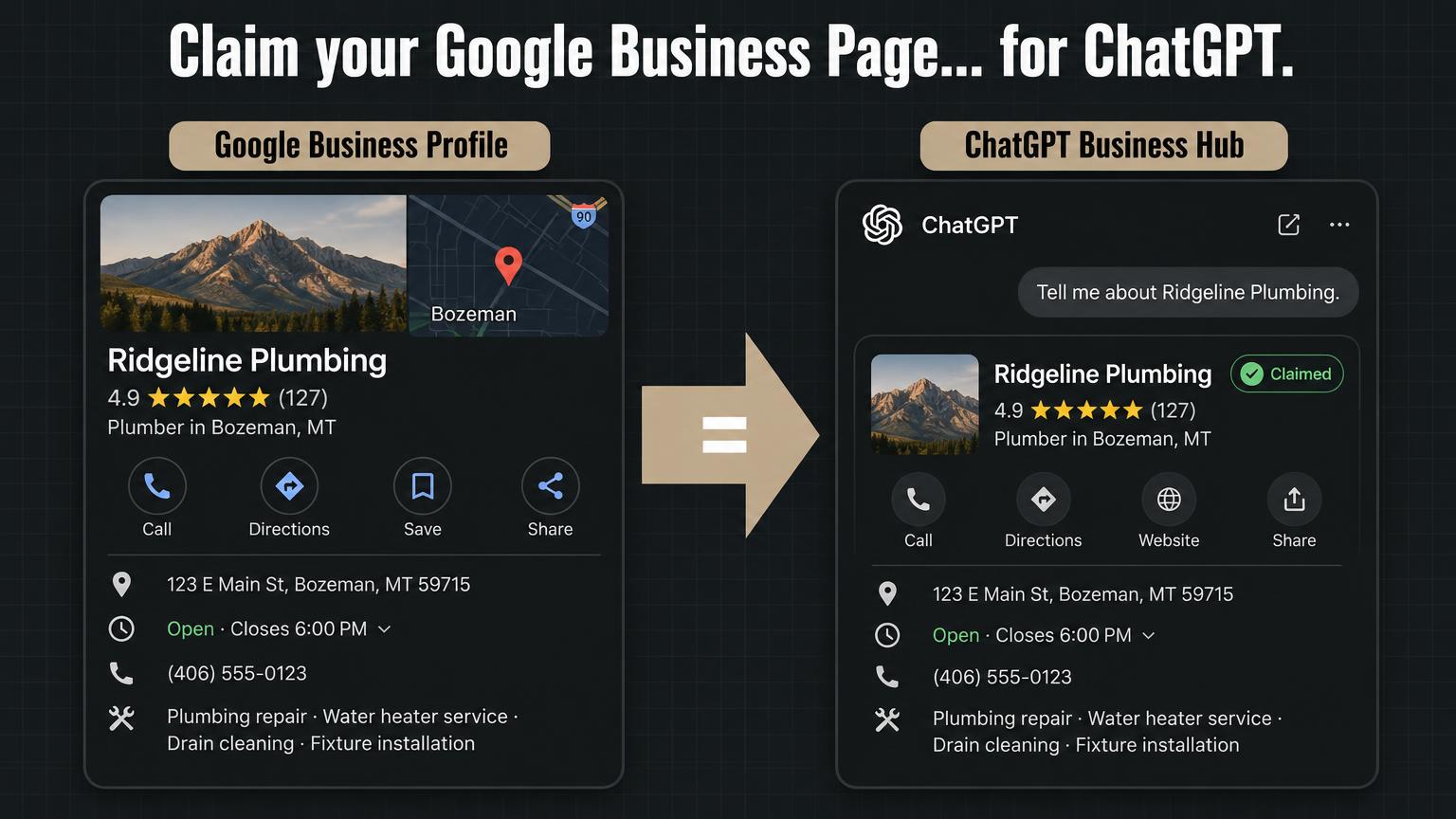
Phase 01
Pre-claim prep
Ten minutes of cleanup now saves a headache later.
- Pull up your Google Business Profile and write down your exact business name, address and main phone.
- Make sure your website footer and contact page match those exactly. Same name (DBA or LLC, pick one), same suite number, same phone.
- Check your top directories (Yelp, BBB, Angi, Facebook) for old phone numbers or old addresses.
- Set up or pick a shared work login, like office@yourcompany.com. Not a personal email.
- Confirm someone can answer your main business line directly, not a call center or answering service.
Phase 02
Claim and verify
This is a beta, so screens may differ. Check OpenAI's guide if something looks different.
- Sign in to ChatGPT with the shared work account.
- Open Business Hub from the sidebar, or go to chatgpt.com/business-hub.
- If OpenAI emailed a claim invite, use that link with the same account.
- Otherwise, search your business name and select your listing.
- Choose Business phone to verify, then SMS or automated call, and enter the code.
- If your shop is not listed, stop here. Local listings cannot be created yet. Move to Phase 4 and check back later.
Phase 03
Fix your service menu
Homeowners ask ChatGPT for specific jobs. List specific jobs.
- Correct your name, address, phone, hours and website.
- List real services by name: "water heater replacement," "AC repair," "septic pumping," "epoxy garage floors."
- Separate residential and commercial work if you do both.
- Add emergency or after hours service only if you really offer it.
- Match your service list to the services on your Google Business Profile.
Phase 04
The 5-prompt contractor audit
Run these in ChatGPT. Note whether you show up, where, and whether your details are right.
- Who are the best [trade] companies in [city]?
- I need an emergency [trade] near [city] today. Who should I call?
- Which [trade] company in [city] has the best reviews?
- What do you know about [your business name] in [city]?
- Compare [your business name] and [top competitor] for [specific service].
Figure
Claiming gets you listed. The rest gets you picked.
Step 1 · You control it
Your claimed listing
- Name and address
- Phone number
- Hours
- Services you list
- Website link
Step 2 · You earn it
What ChatGPT weighs
- Review count and recency
- Complete Google Business Profile
- Matching citations and directories
- A page for each service and city
- Mentions on third party sites
ChatGPT recommends your shop
Want the full breakdown? Read the guide: How to claim your business on ChatGPT
Does ChatGPT recommend your shop?
Our Demand Engine GEO and AEO work ties your ChatGPT listing to your Google profile, citations and reviews. Book an AI visibility check and we'll show you where you stand.
Get an AI visibility check